Hey hey, howdy y’all. I’m finally getting around to updating this site with all of the benchmark result as of today, Nov 3, 2025. **Please be aware, any video on my YouTube channel released prior to Oct 1, 2025 is running the older benchmark script (with incorrect calculation of tokens / sec). Any video on my channel without a TTFT entry in the results is the old, incorrect version. So any video you see that includes the TTFT in the benchmark results is the new / correct version.
This experiment is ongoing. We aim to determine the performance of various dual GPU combos. They are tested in relation to the mighty RTX 5090 running Ollama. This testing occurs on both Windows and Linux. This is required by non-supported AMD GPUs.
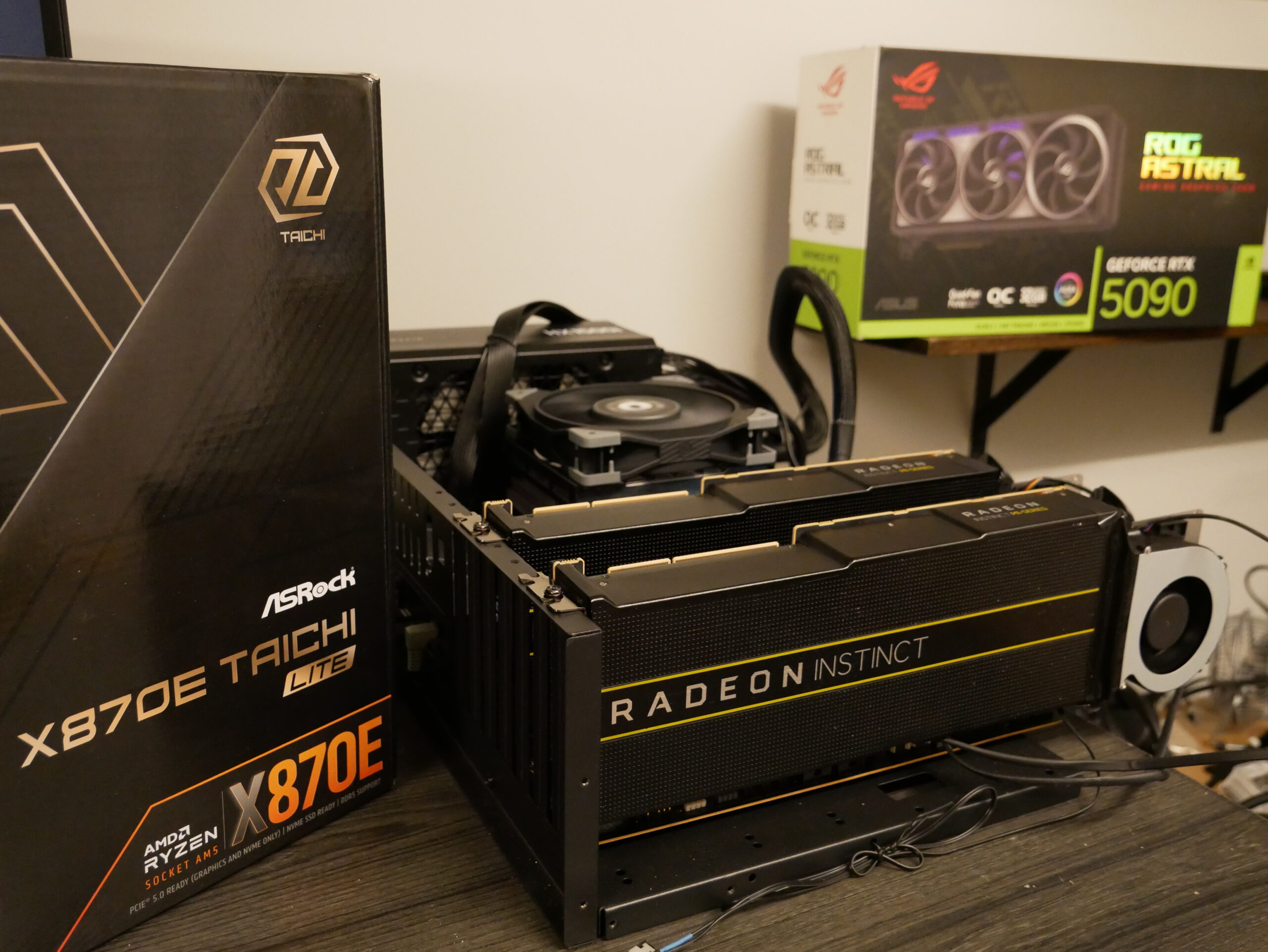
This page will be updated regularly as I continue to test different gpu’s. As of now, I’ve been utilizing the AsRock Taichi Lite X870E motherboard. It’s the most affordable AM5 option with TWO pcie 16 slots -both directly connected to the CPU. The typical motherboard schematic has the 2nd (or 3rd) pcie16 slot passed off to the chipset… thus severely limiting its overall bandwidth and likely increasing latency. There are a growing number of X870E skus available that offer a similar arrangement. These include ASUS CROSSHAIR, MSI MAG, etc. However, they are considerably more expensive.
Here are links to the components in / similar to the Test Bench used:
Mobo options :
AsRock X870E Taichi Lite : https://newegg.io/ncb4bd8957
AsRock X870E Taichi : https://newegg.io/nc95a0076e
CPU options :
AMD Ryzen 9600X : https://newegg.io/ncb6298192
AMD Ryzen 9700X : https://newegg.io/ncd0d1e481
AMD Ryzen 9950x3D : https://newegg.io/nc58f6ccf0
GPU options :
Astral 5090 = https://newegg.io/ncd344387c
ASUS PRIME 5080: https://newegg.io/nce7016dec
Gigabyte Gaming 5080 = https://newegg.io/nc929461c8
Gigabyt Gaming 5070ti = https://newegg.io/ncf53c069a
G.Skill ram : https://newegg.io/nc671c78cc
Power Supply : https://newegg.io/nc5abcc719
The graph below shows the GPU SKU, LLM model, and results. It compares 1 card versus 2 card configurations and displays the wattage of the overall system.
If there is a particular gpu setup that you’d like to see, please reach out to me at david@countryboycomputersbg.com or leave a comment on YouTube.
Most of these tests are on YouTube, check ’em out on my channel:
Country Boy Computers BG – YouTube
(rotate your phone for better viewing)
Here’s the latest RTX 5090 / dual 5080 / dual 5070 ti video


Leave a Reply